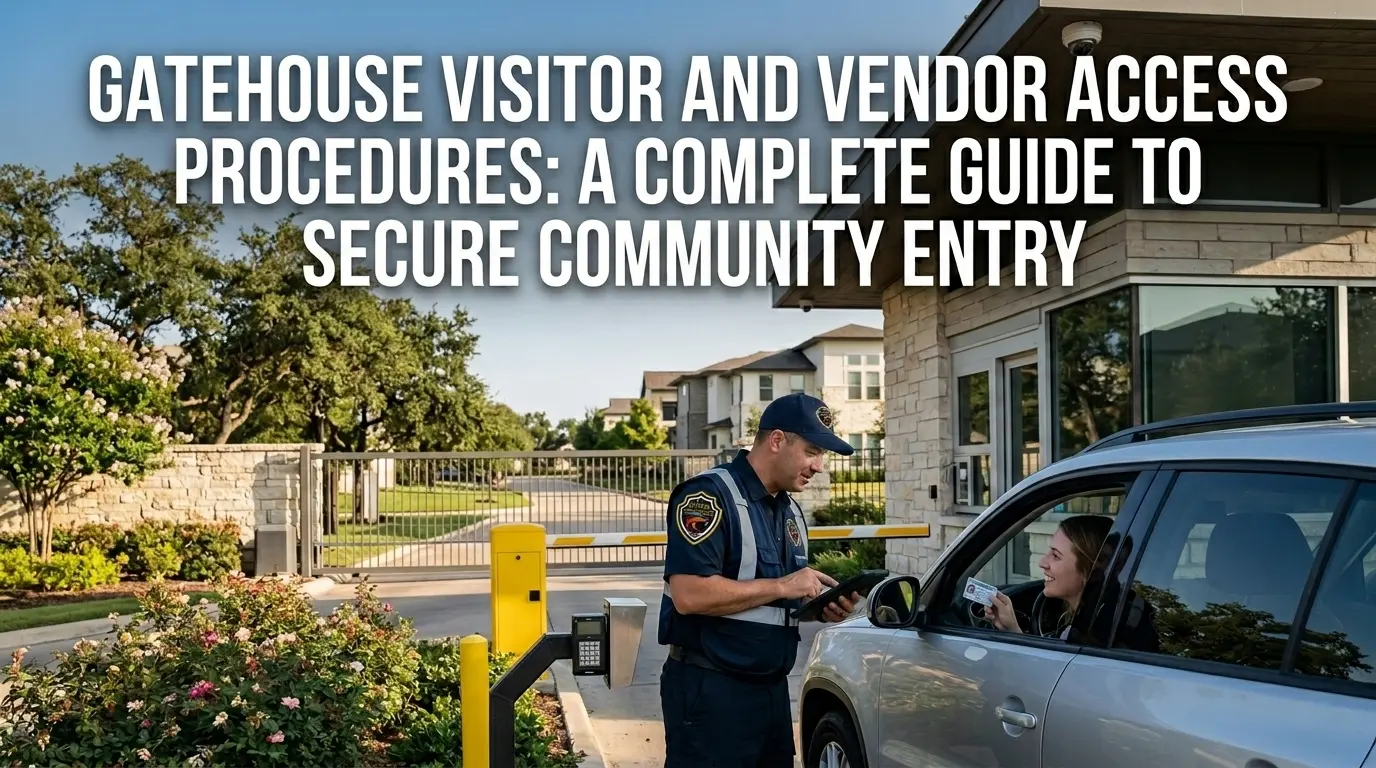
A gatehouse is only as strong as the access control procedure behind it. Great equipment and a friendly officer won’t stop unauthorized entry if the process itself has gaps. This guide breaks down gatehouse visitor and vendor access procedures into two distinct tracks, because guests and service providers move through the gate in very different ways.
Whether you are building a gatehouse policy from scratch or auditing one for residential gated community security services after a complaint, you’ll find practical steps here that can be lifted straight into your post orders.. We will cover the standard visitor check-in process, vendor access procedures, HOA governance, supporting technology, and the mistakes that can undo even well-written policies.
What Are Gatehouse Visitor and Vendor Access Procedures?
Gatehouse visitor and vendor access procedures are the documented rules gate staff or software follow to verify and log anyone who is not a resident. A procedure only works if every step gets followed every time. The weakest, least-followed step in the chain determines how secure the whole system actually is.
Visitors and vendors need separate rules because they behave differently at the gate. A visitor is usually a one-off guest invited by a resident, who needs host approval before arriving. A vendor is a recurring visitor coming in for landscaping, deliveries, repairs, inspections, etc. They often need standing access without a resident on the phone. You cannot use a single generic sign-in sheet to manage both groups.
Digital visitor management procedures can significantly speed up this procedure with the help of QR passes, PIN codes, and license plate recognition. But the procedure matters more than the tool. Technology cannot fix a bad process; it just makes a good one faster.
Every solid gatehouse access procedure includes:
- Verified identity of the person requesting entry
- A pre-authorization or approval source, whether that’s a resident, the board, or the management company
- A time-stamped log of arrival, purpose, and departure
- A clear, written protocol for denying or escalating entry when something doesn’t match
- A defined chain of communication if the gate officer can’t reach the host or vendor’s point of contact
The Standard Gatehouse Visitor Check-In Process
This is the sequence most searched, and the one your officers will use most often. It is built to be adapted directly into a community’s post orders, step by step.
1. Guest Pre-Authorization
Residents notify the gatehouse in advance by phone, app, or a written guest list. That notice should include the guest’s name, expected arrival window, and vehicle details when the community requires vehicle logging. Same-day, unannounced guests shouldn’t trigger an automatic denial — instead, they should trigger a resident call-in step so staff can confirm the visit before waving anyone through.
2. Identity Verification at the Gate
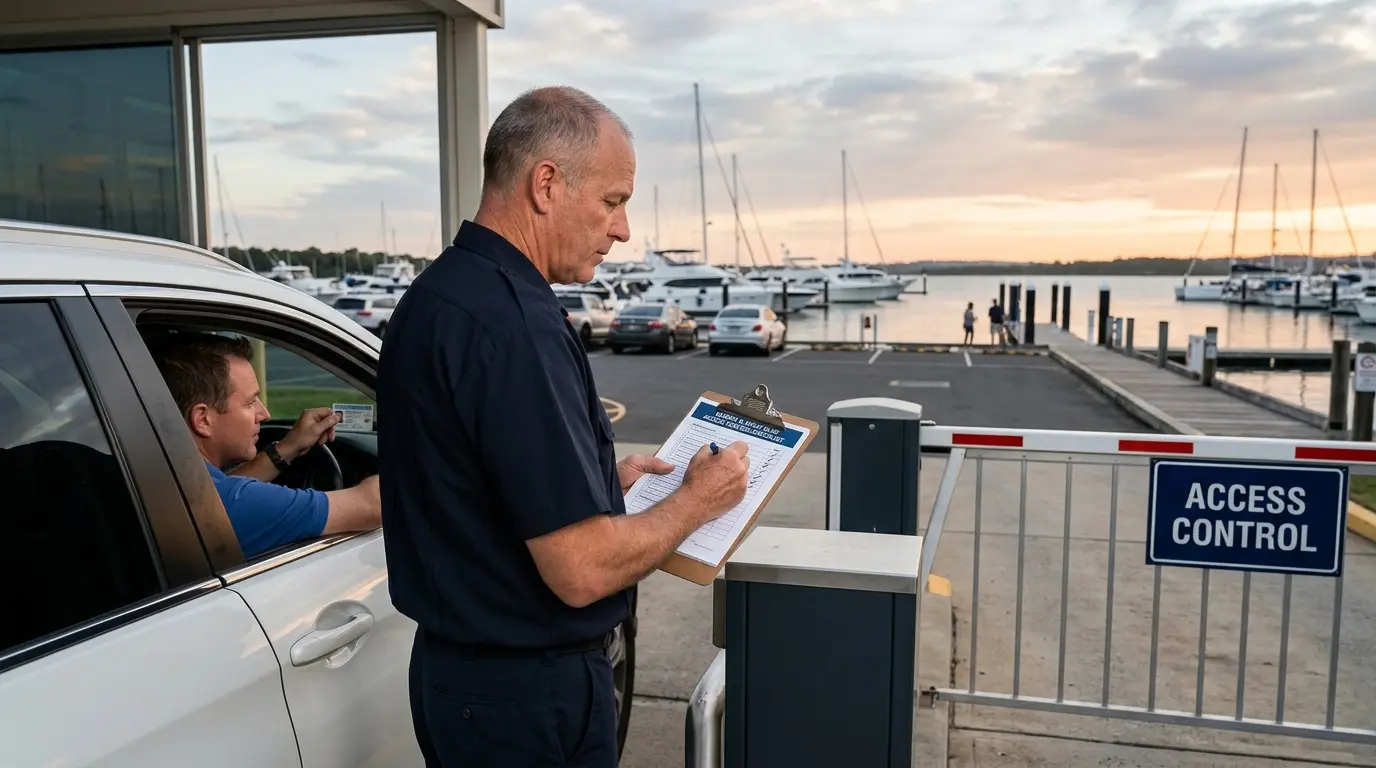
Gate staff confirms the arriving guest matches the pre-authorized name on file. Government-issued ID gets checked when community policy requires it, and vehicle or license plate details get compared against what the resident submitted. This step catches the small mismatches — a wrong name spelling, an unlisted second car — before they become bigger problems inside the community.
3. Resident Confirmation (When Required)
For guests who weren’t pre-registered, officers attempt to reach the resident directly. If the resident doesn’t answer, the guest waits at the gate rather than getting waved in on good faith. Guessing, or “just letting them through,” undermines the entire gatehouse visitor access model — it tells every future visitor that the rules are optional if they seem harmless enough.
4. Logging the Visit
Every entry log should capture the guest name, time in, time out, host unit or address, purpose of visit, and vehicle plate. This record matters most after the fact — during a dispute between neighbors, an insurance claim, or a review following an incident. A thin log gives a board nothing to work with when something actually goes wrong.
5. Issuing a Pass or Credential
The final step is issuing a temporary badge, gate code, or barcode pass tied to that specific visit. This credential should expire, not stay reusable. A one-time QR code or time-limited PIN closes the loop cleanly, so nobody’s using last month’s guest pass to skip the check-in process entirely.
Some situations should always trigger denial or escalation, such as:
- No pre-authorization and no resident answer: Guest is held at the gate until contact is made or a supervisor is consulted.
- Mismatched ID or vehicle information: Entry is denied and the discrepancy is logged.
- Guest on a resident-flagged restricted list: Entry is denied regardless of guest explanation.
Vendor Access Procedures: Deliveries, Contractors, and Service Providers
Vendors need their own set of vendor access procedures, built around the fact that many of them show up on a schedule, not an invitation.
One-Time and Scheduled Deliveries
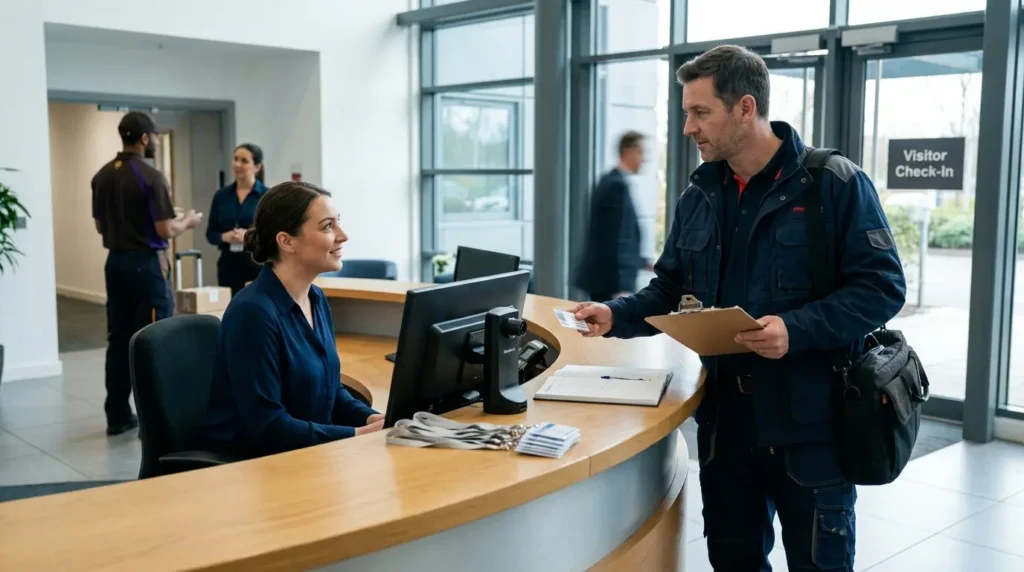
Single-visit vendors — a furniture delivery, a one-off repair call — need appointment confirmation from the resident or the management office before arrival. Gate staff still check ID at the gate, the same as any other entry. That visit belongs in a separate delivery log, not folded into the general visitor log, so patterns and records stay easy to search later.
Recurring Vendor Credentials
Standing vendors — landscapers, pool maintenance, pest control, trash haulers — shouldn’t need a resident call-in every single visit. A pre-approved vendor list solves this, paired with recurring gate codes or windshield tags for quick recognition. These credentials still need periodic re-verification: confirming the vendor’s contract and insurance are current, not just assuming they still are.
After-Hours and Emergency Vendor Access
Emergency plumbers, HVAC repair crews, and utility workers don’t wait for gate staffing hours. Communities need a plan for this gap — management-issued temporary codes, a documented after-hours approval chain, or an automatic notification to the property manager whenever after-hours access gets used. Without this, emergencies turn into standoffs at the gate.
Before any vendor gets through, staff should confirm:
- The vendor’s company name matches the work order or resident request
- The individual driver or technician against the company’s provided crew list, if one exists
- The specific unit or common area the vendor is authorized to access
- Any equipment, materials, or company vehicles entering alongside the vendor
- An expected departure window, with follow-up if the vendor significantly overstays it
Setting Your HOA Gatehouse Access Control Policy
Let’s shift our focus from how staff executes access control to who actually sets the rules behind it.
Boards should also reference the HOA Security RFP checklist when drafting access control policies. A board or a designated committee should formally own HOA gatehouse access control. They are responsible for approving exceptions, updating banned-person lists, and reviewing incident logs. Leaving these calls to whichever officer happens to be on shift creates inconsistency, and inconsistency is exactly what weakens a gate’s credibility over time.
That means you need specific steps for visitor check-in, vendor check-in, denial escalation, and emergency communication. Spell out these steps clearly enough that no procedure depends on informal staff memory or verbal tradition passed shift to shift.
Access policy needs regular review. You cannot afford a ‘set it and forget it’ approach here. Seasonal traffic changes, past incidents, or a gate technology upgrade should all trigger a policy refresh.
| Policy Element | Manual (Paper/Verbal) | Digital (Software-Supported) |
| Guest pre-authorization | Phone call or written list at the desk | App-based guest list, updated in real time |
| Visitor log | Paper sign-in sheet | Time-stamped digital record, searchable |
| Vendor credentialing | Verbal approval, re-confirmed each visit | Recurring PIN/QR codes with expiration dates |
| Policy updates | Passed shift-to-shift verbally | Centrally updated and instantly visible to all staff |
Technology That Strengthens Visitor Management Procedures
Software cannot replace trained judgment at the gate, but it can remove friction from the parts that don’t need a human decision every time.
Guest Pre-Registration Tools
Residents use a mobile app or web portal to submit guest names ahead of time, generating a QR code or PIN the visitor presents at arrival. This cuts down on call-in delays during peak hours and gives gate staff something concrete to check instead of relying on a verbal guest list read over the phone.
License Plate Recognition and Vehicle Credentials
Automated vehicle access works well for residents and recurring vendors moving through the same entry point daily. It reduces gate congestion during rush-hour arrivals while still logging every entry by license plate, so nothing slips through without a record attached to it.
Digital Audit Trails
Cloud-based logs replace stacks of paper sign-in sheets, and they are far easier to search. When a board or manager needs entry history for a dispute or an incident investigation, pulling a digital record takes minutes instead of digging through old binders.
Technology should support trained judgment instead of trying to replace it:
- Speed: Automates routine, low-risk entries so staff can focus attention on exceptions.
- Documentation: Removes gaps and illegible handwriting from the visitor and vendor record.
- Accountability: Creates a timestamped trail that a person alone can’t dispute after the fact.
Common Mistakes That Undermine Gatehouse Visitor Access
Most gatehouse security problems come from small habits that erode gatehouse visitor access over time.
- Allowing regulars to bypass ID checks because staff recognize their face or vehicle
- Letting vendors prop gates open for repeated trips instead of re-badging each entry
- Failing to remove departed vendors or expired guest passes from active credential lists
- Treating the visitor log as a formality instead of a document staff actually reference during disputes
- Not updating post orders after a gate malfunction, policy change, or past security incident
Choosing the Right Gatehouse Security Model for Your Community
Once the procedures are in place, the last decision is staffing. Community gatehouse security generally falls into three models, each with different trade-offs worth weighing against your community’s size and risk profile.
Fully Staffed Gatehouse
A fully staffed gate brings human judgment to every interaction — de-escalating tense moments in person and standing as a visible deterrent to anyone testing the system. The trade-off is cost. Boards weighing mobile patrol vs gate guard should consider these trade-offs against their community layout. Labor is the biggest line item in this model, and quality can vary shift to shift if post orders aren’t followed closely by every officer.
Software-Only Access Control
Unstaffed, technology-driven access through QR passes and app-based approval works well for smaller communities or filling coverage during off-hours. It struggles more with unregistered guests and edge cases that need a human decision. Software can verify a code but can’t read a situation the way a trained officer can.
Hybrid Model: Staffed Gate Plus Digital Tools
For most gated communities, a hybrid approach hits the practical middle ground. Trained officers handle verification, judgment calls, and emergencies, while digital tools manage pre-registration, logging, and after-hours access. This setup lightens the load on staff without removing human oversight from the process.
Strengthen Your Community’s Gatehouse Procedures
Written procedures are only as reliable as the team enforcing them at the gate. All Florida Security Services provides trained gatehouse officers, HOA-focused security consulting, and hands-on security training for communities across Florida looking to tighten their visitor and vendor access control. If your gatehouse needs staffing or a policy audit, visit our website or reach us directly at (772) 595-5335 to talk through what your community needs.
Frequently Asked Questions
What information should a visitor provide before arriving at the gate?
Full name, expected arrival window, host unit or address, and vehicle details if the community requires vehicle logging.
Can gate staff deny entry to a vendor without resident approval?
Yes. If the vendor is not on an approved list or doesn’t match the work order, staff should deny entry and escalate rather than admit them on trust.
How long should visitor and vendor logs be kept?
Retention periods vary by community policy and local regulation, but many HOAs keep digital or paper logs for at least six months to a year to support incident review.
Do recurring vendors need to be re-verified periodically?
Yes. Authorized personnel lists should be reviewed on a set schedule, not assumed to stay accurate indefinitely.
What’s the difference between a visitor management system and a staffed gatehouse?
A visitor management system is software that automates pre-registration, credentialing, and logging. A staffed gatehouse relies on trained personnel to perform those same functions manually or alongside supporting technology.